
Bollinger Bands Trend
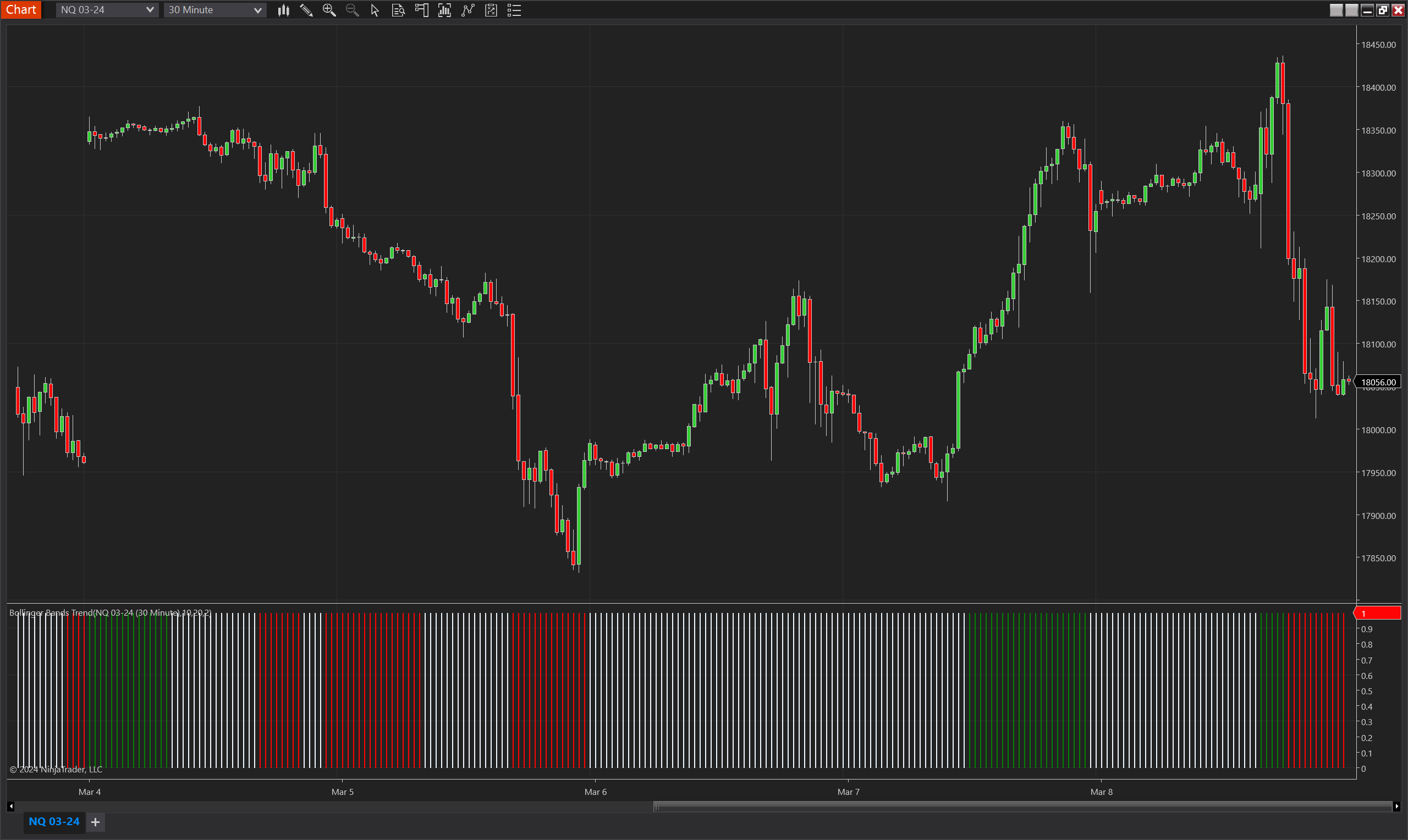
Description
The Bollinger Bands Trend indicator for NinjaTrader 8 stands as a premier analytical tool designed to empower traders by identifying market trends through sophisticated analysis of Bollinger Bands dynamics. This cutting-edge indicator transcends traditional price tracking relative to the bands by delving into the core of market movements. It does so by dynamically measuring the gap between the upper and lower Bollinger Bands, which plays a crucial role in pinpointing the strength and direction of market trends. This enhanced perspective on volatility and potential shifts in market sentiment equips traders with granular insights into the mechanics of market trends.
Parameters
- Bollinger Period (int): Specifies the number of bars used to calculate the moving average around which the Bollinger Bands are drawn. A higher period results in smoother bands, which might capture the trend over a longer term.
- Bollinger Std Dev (double): Determines the distance of the Bollinger Bands from the moving average, measured in standard deviations. This parameter controls the width of the bands, affecting sensitivity to price movements.
- Biggest Range Period (int): The lookback period over which the maximum range (distance between the upper and lower bands) is calculated. This helps in assessing the volatility and potential expansion or contraction of the bands.
Plots
- TrendUp (double): 1 if the trend is up (otherwise 0).
- TrendDown (double): 1 if the trend is down (otherwise 0).
- NoTrend (double): 1 if there is no trend (otherwise 0).